Improve organic & paid traffic +conversions. Gain new customers. Increase your ability to retain clients.

Impress clients and your boss with simple, yet detailed, KPIs across multi-channel campaigns.

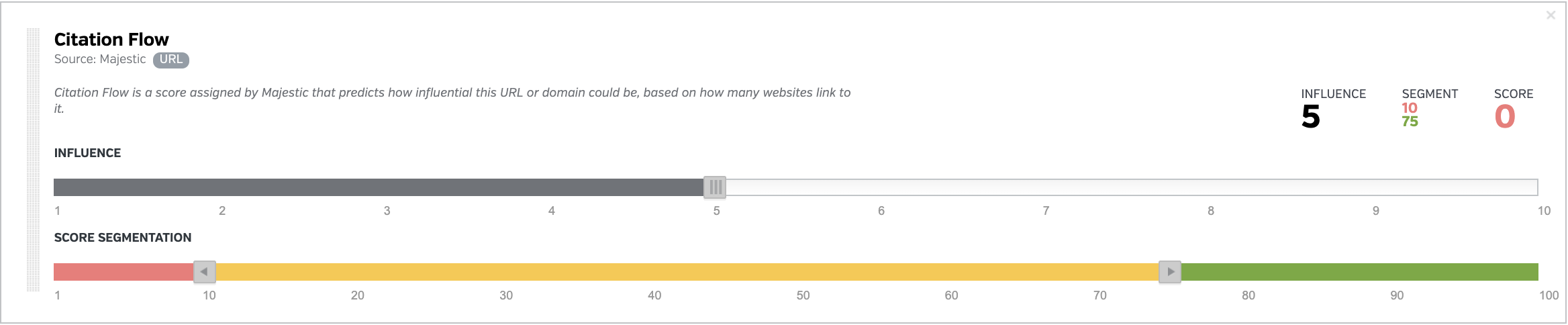
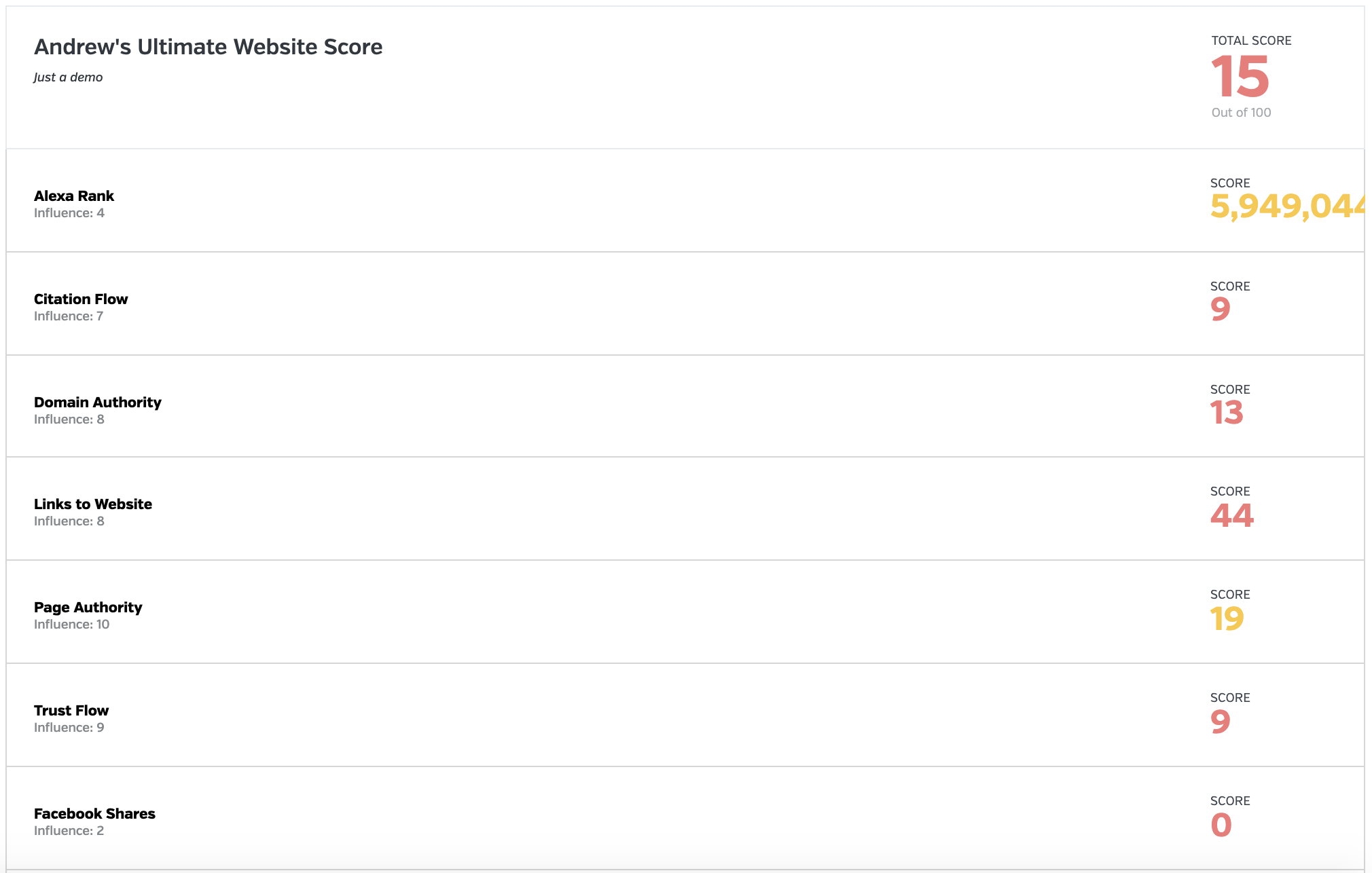
Well designed graphs and charts and customizable widgets that allow you to surface any KPI across hundreds of clients.
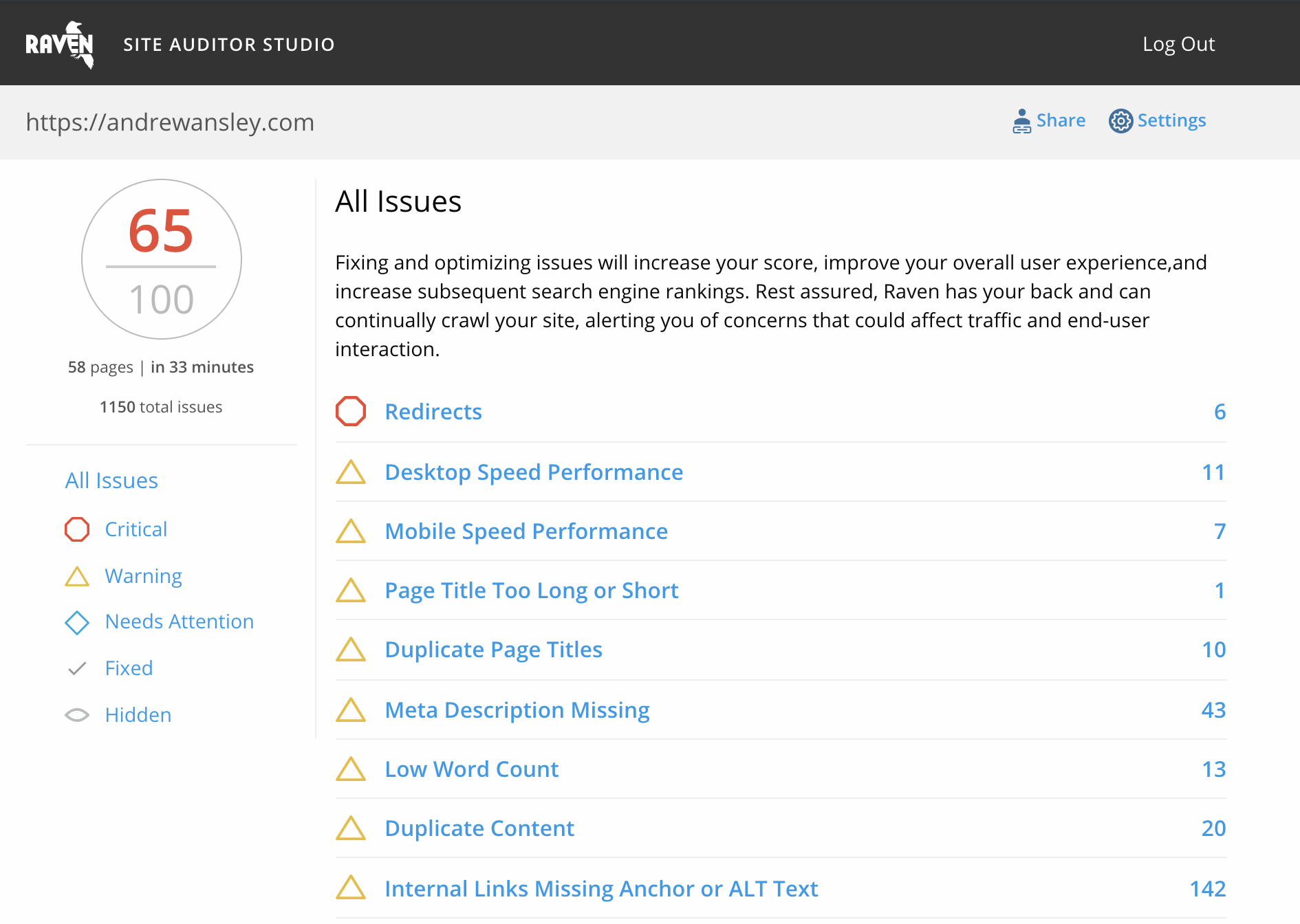
Site Auditor quickly analyzes your website to find all of the desktop and mobile SEO issues that may be keeping your site from ranking on search engines like Google, Bing, and Yahoo. The first step to ranking is fixing what's slowing you down. Find it. Fix it. Start Ranking.
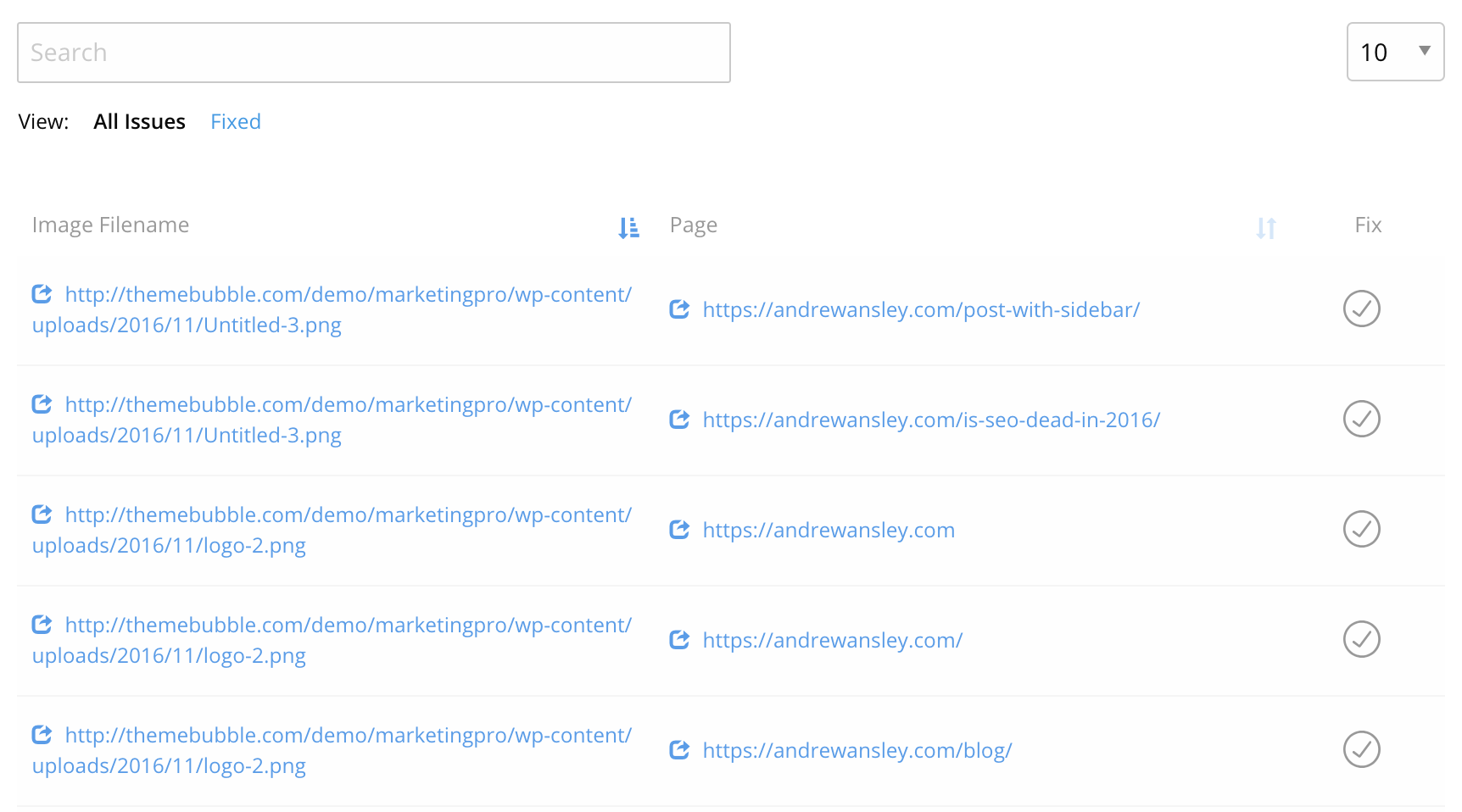
After crawling all of your web pages a detailed report is generated with a site health score out of 100. All on-page technical site problems and optimization opportunities are then generated by order of severity. Don’t care to fix something? Hide the findings. Want an easy way to manage the fixes? The website auditor generates your results as a checklist that can be marked off as you go.
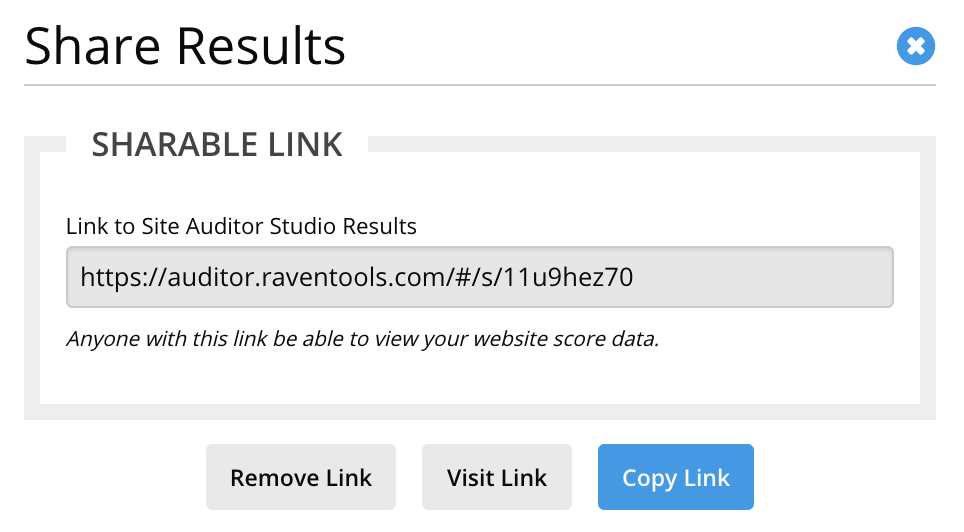
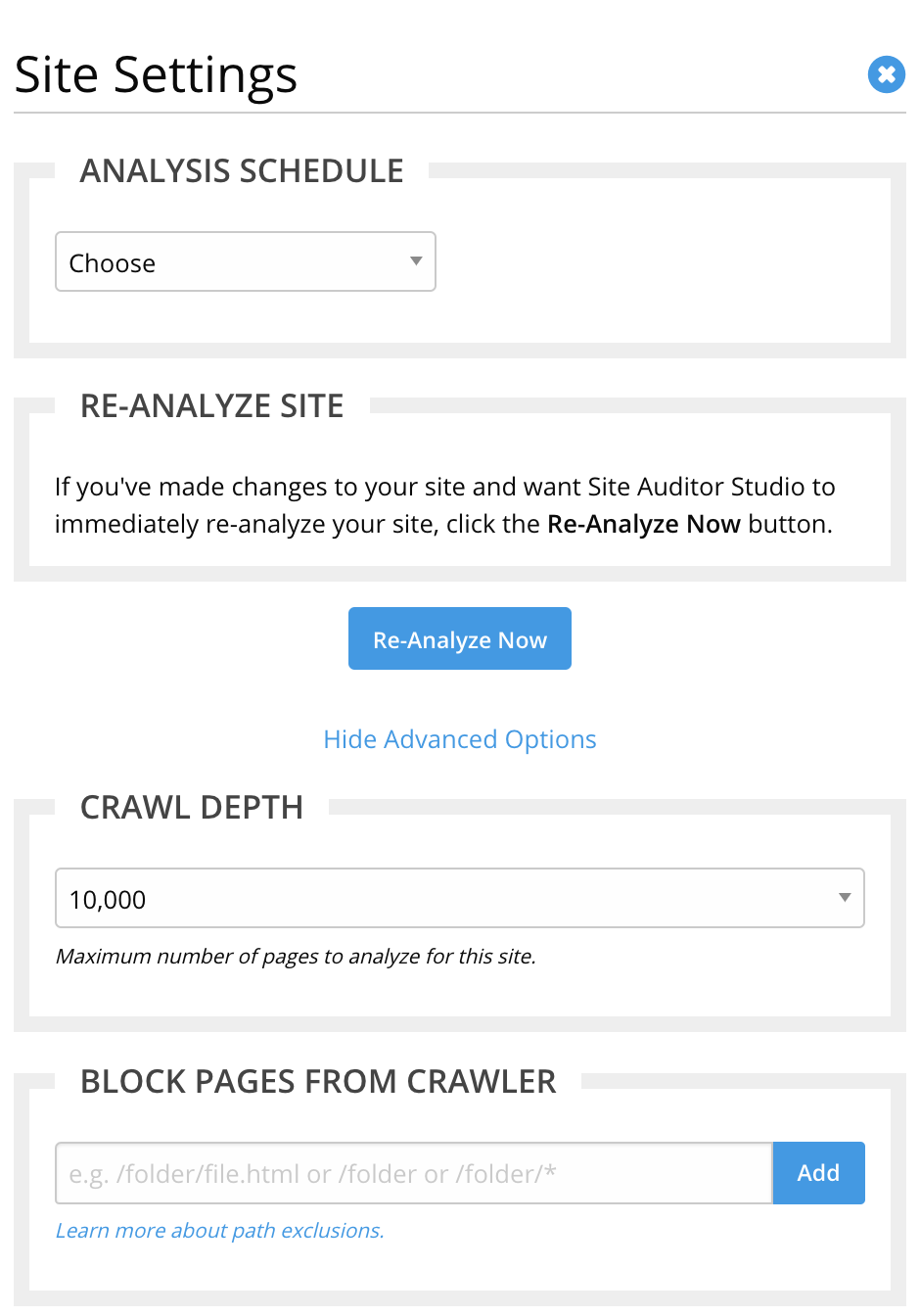
Not an SEO guru? Don’t worry, if you don’t know how to fix the issues we give you the ability to share your results. Many businesses use this to share their audits with their webmasters, SEO, or just with facebook and twitter. You can even automate the reports.
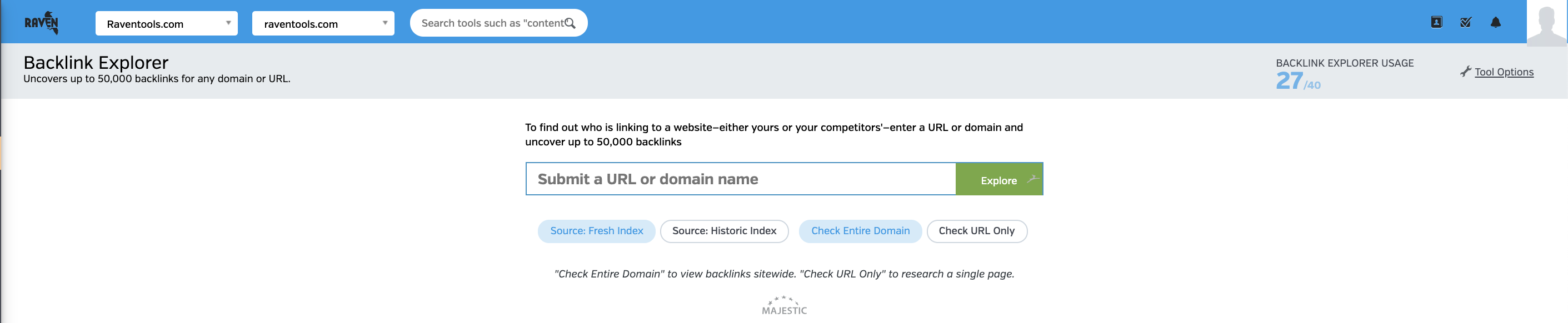
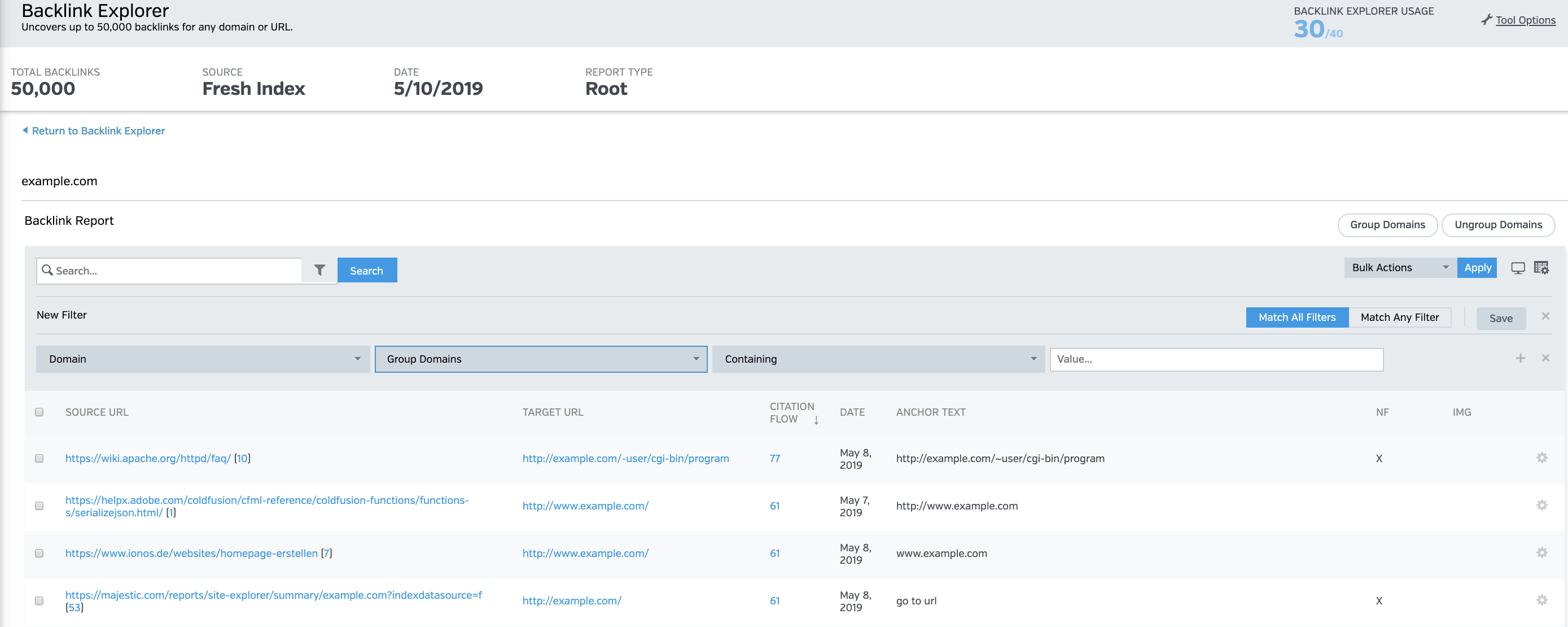
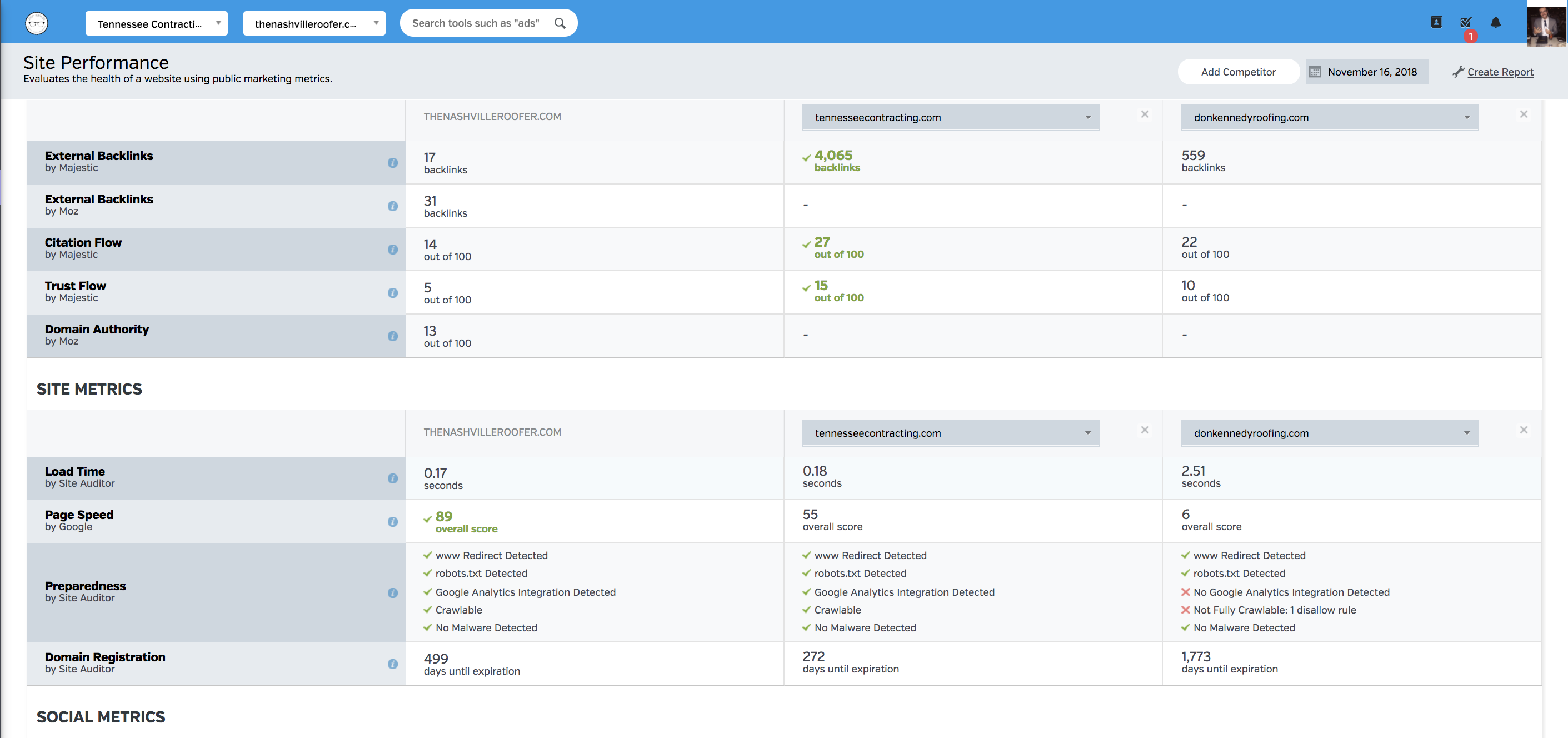
Backlink Explorer allows you to enter any domain or URL to get an advanced look at its backlinks. Research your competitors to understand why they’re ranked, identify potentially toxic links, and follow up on discoveries with the Raven’s Link Manager.
Raven extracts data from our third party partner, Majestic, to uncover up to 50,000 backlinks for any URL. Not only can you identify the link but you can categorize by:
- Authority (trust flow)
- Anchor text
- Link Type
After you’ve identified a backlink, with a click of the mouse you can add a backlink to the Raven’s Link building Management tool or you can inspect the quality of the link with Raven’s customizable Quality Analyzer.
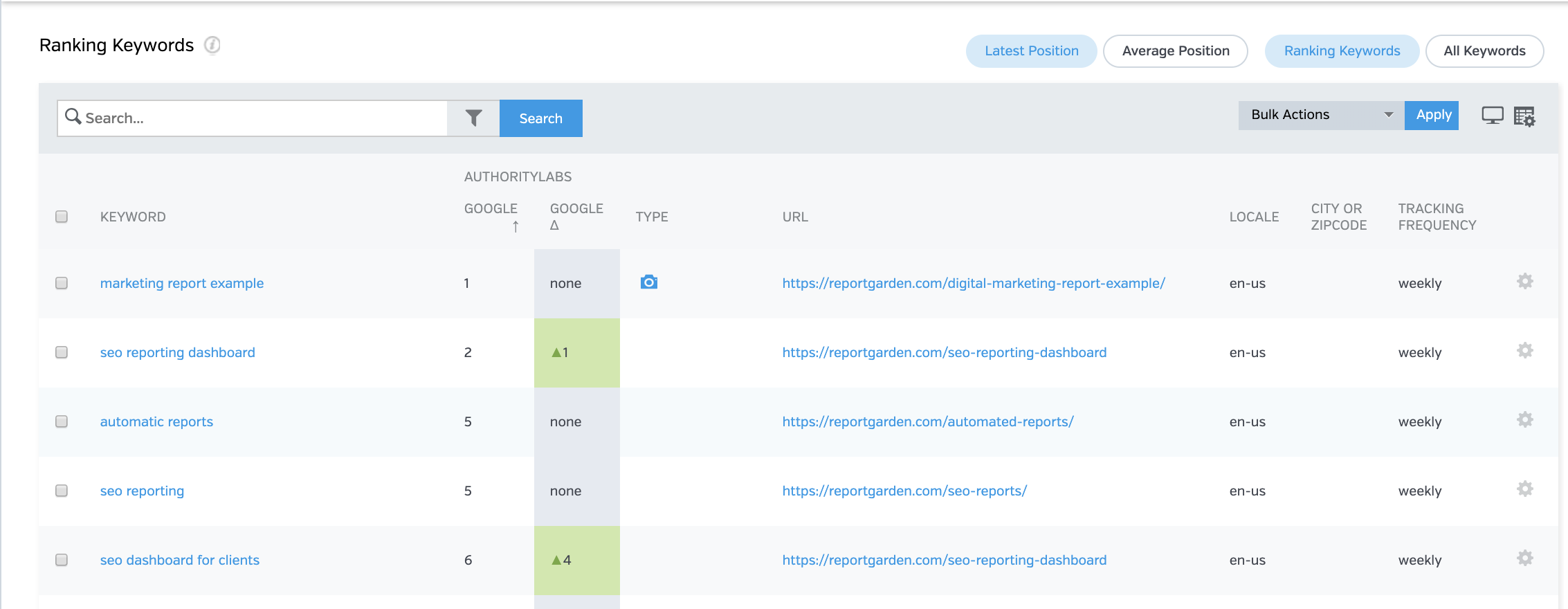
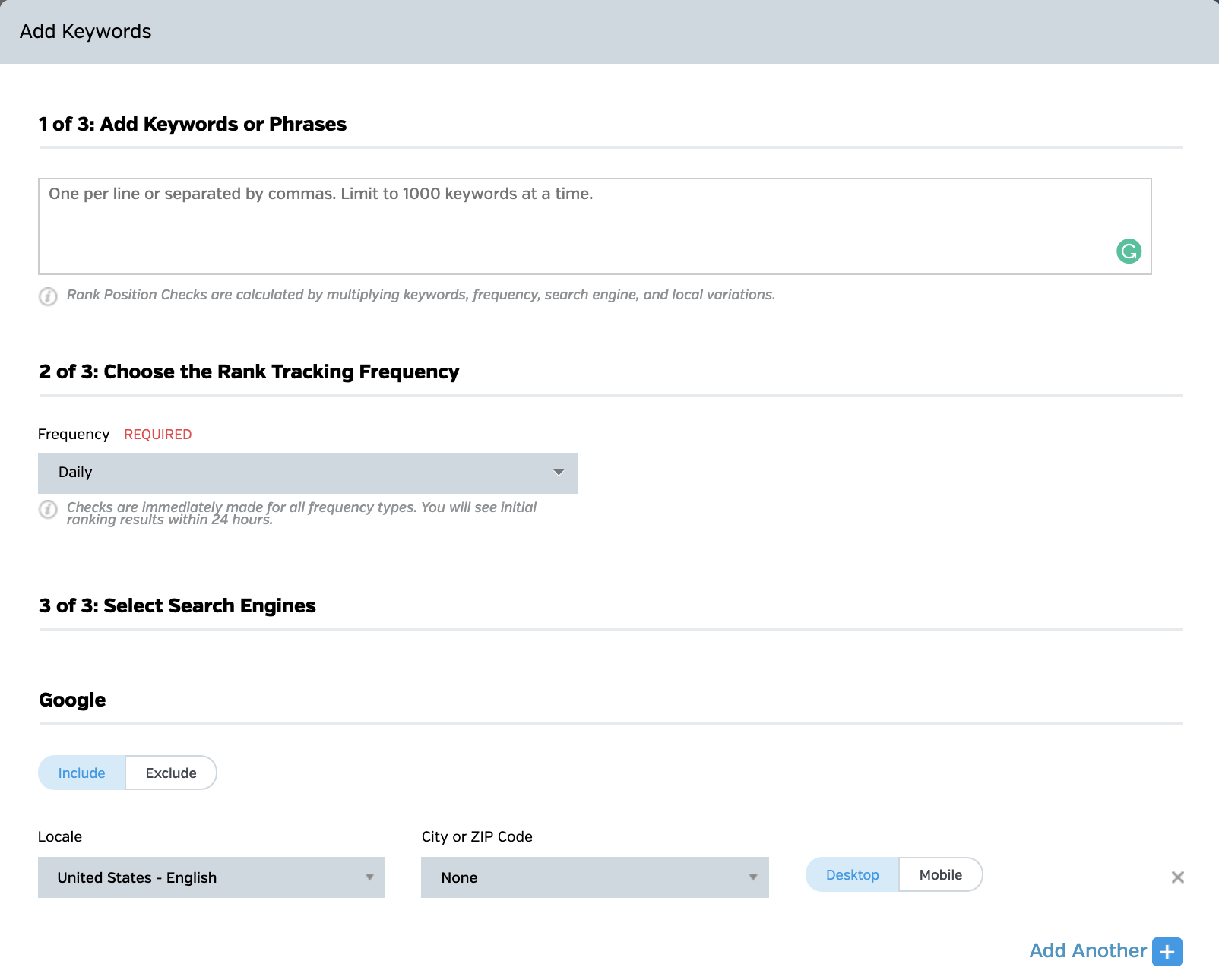
Raven Tools Rank Tracker provides the flexibility of daily, weekly, or monthly rank tracking on each individual SERP, whether its Google, Bing, Yahoo, Yandex, or Baidu.
Track based on device type, zip code, by language, or upload keyword lists, copy and paste hundreds of keywords in rows into the tool, or just type in a single keyword to instantly begin tracking keyword rankings. You can even access historical ranking data.
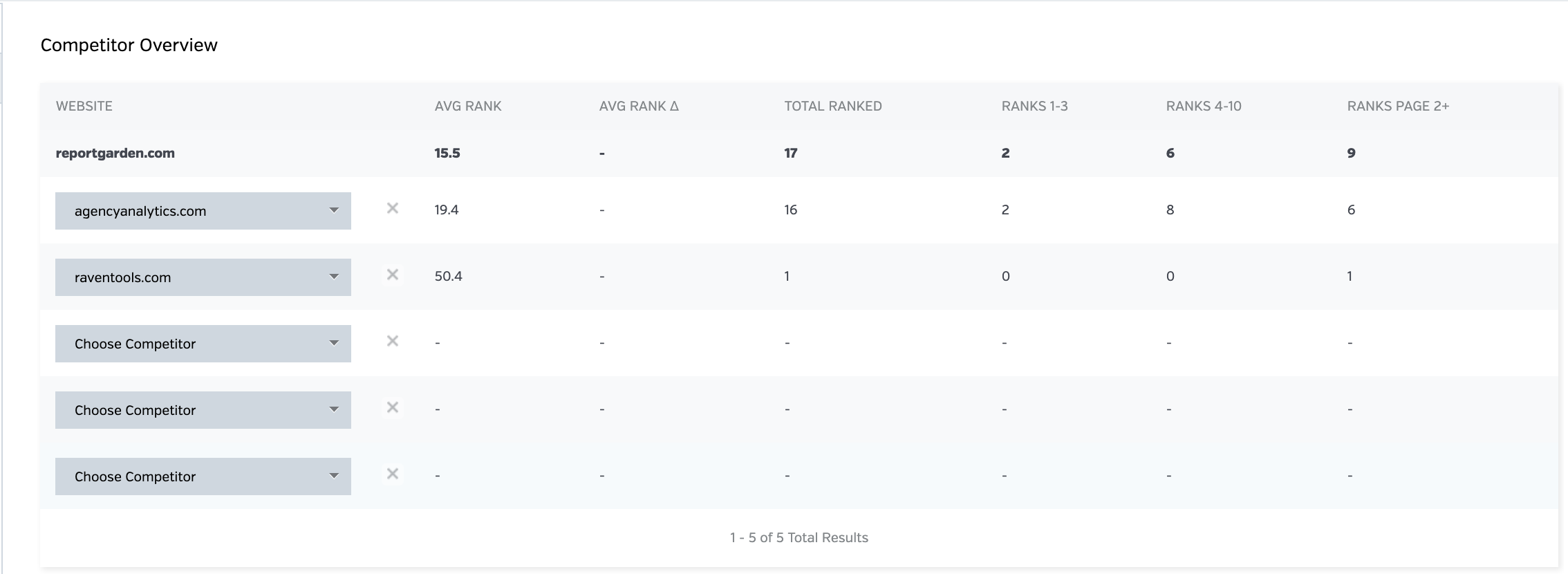
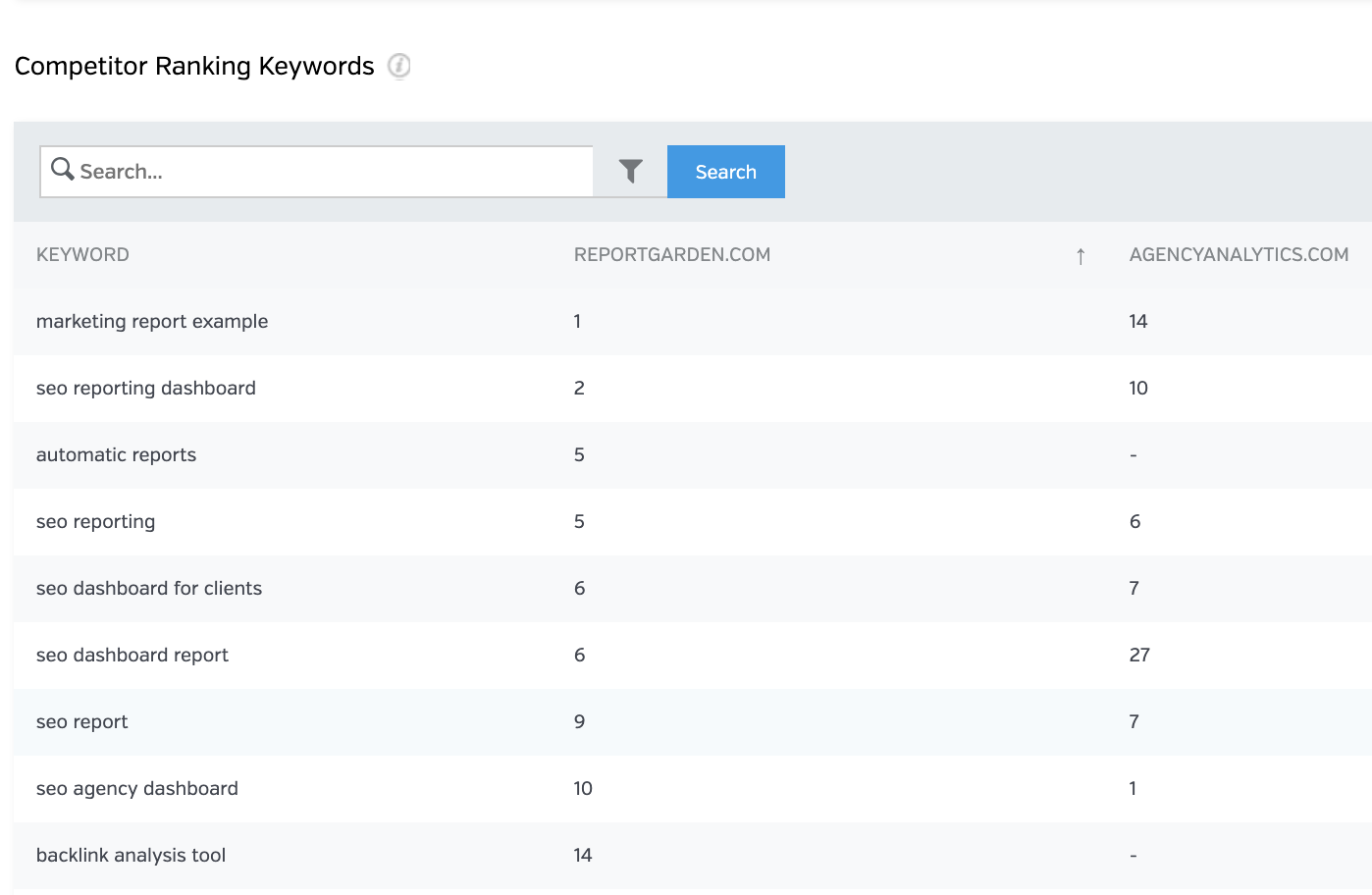
Visualize your ranking within your detailed marketing reports and easily move from keyword tracking to keyword research and management with a click of a button. Surface those head-to-head comparison metrics with your competitors as you compete for keyword rankings.
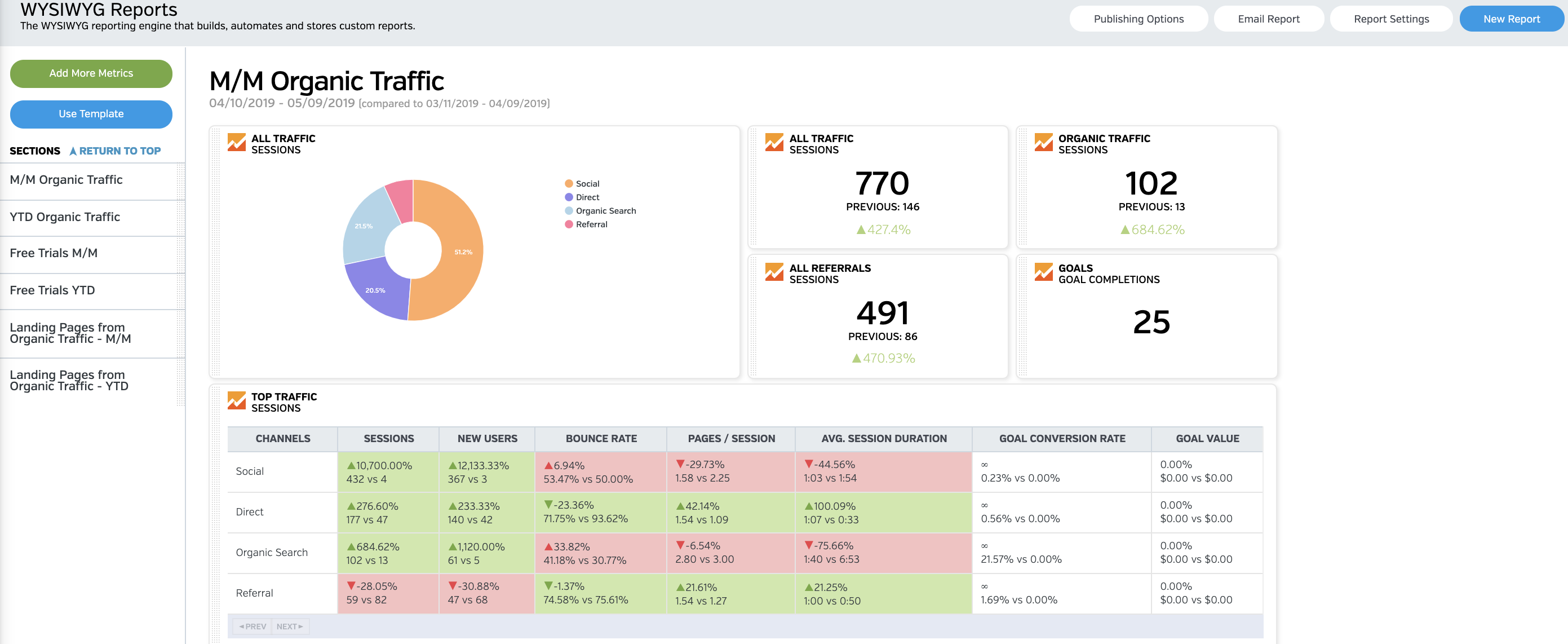
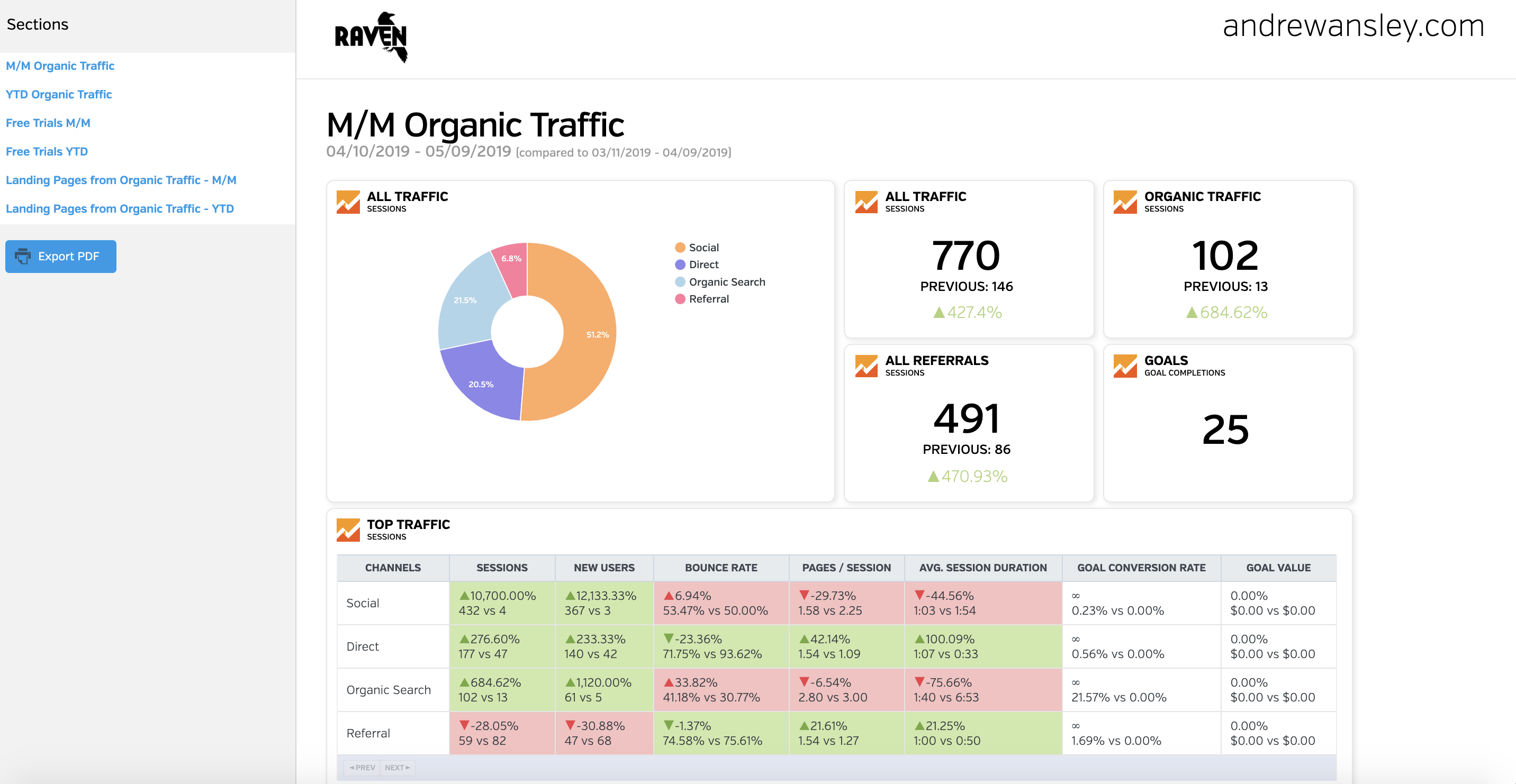
Raven’s drag-and-drop reporting wizard is crazy simple. In minutes, you can build reports with any combination of 30+ data modules and summary pages where you can share notes or observations. Every single tool is connected and you can customize how you surface a data point in your reports.
Your report can run on a schedule or on demand. You decide what’s best. Customers tell us they routinely save 5 to 10 hours every month with Raven reports. That pays for the account alone.
Every Raven account includes unlimited reports. Run as many as you like, as often as you like. Templatize a report and save even more time.
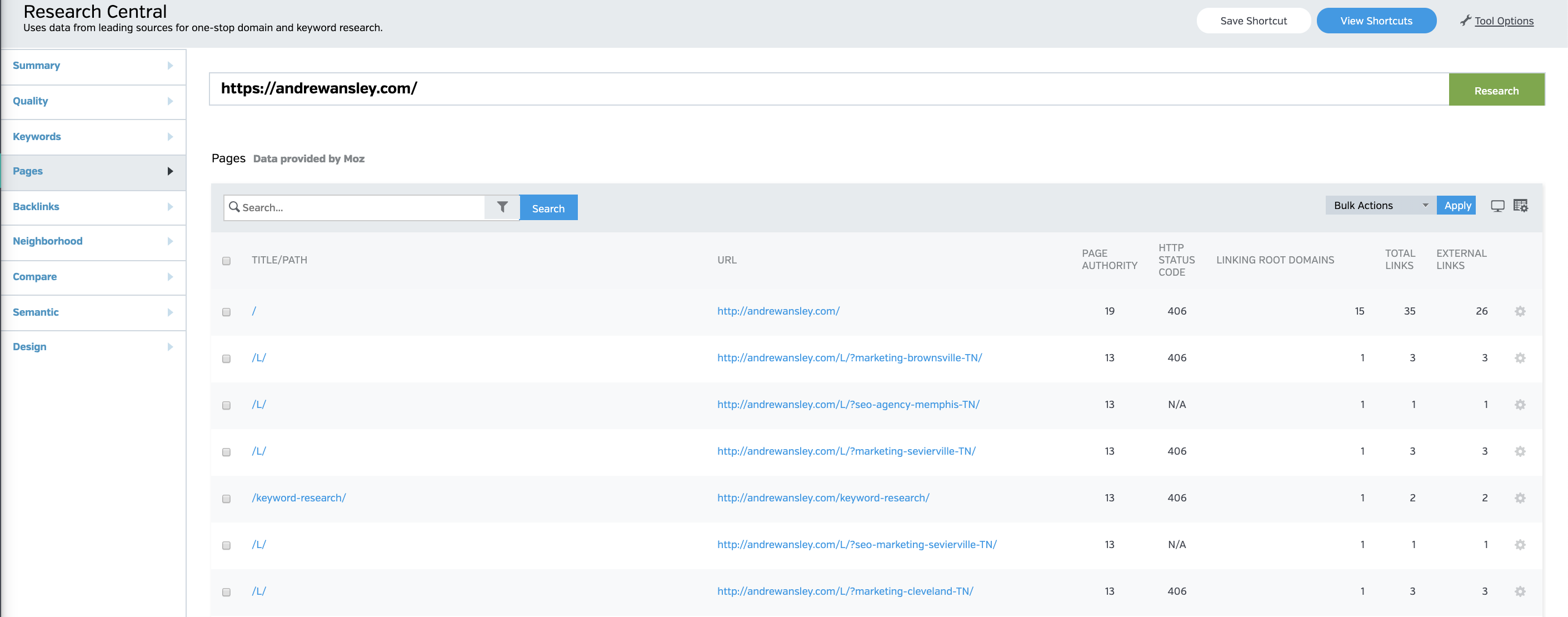
Competitor Research Central was the first tool to combine domain and keyword research in a single research resource. It is a treasure trove for SEOs who want to save time on SEO research.
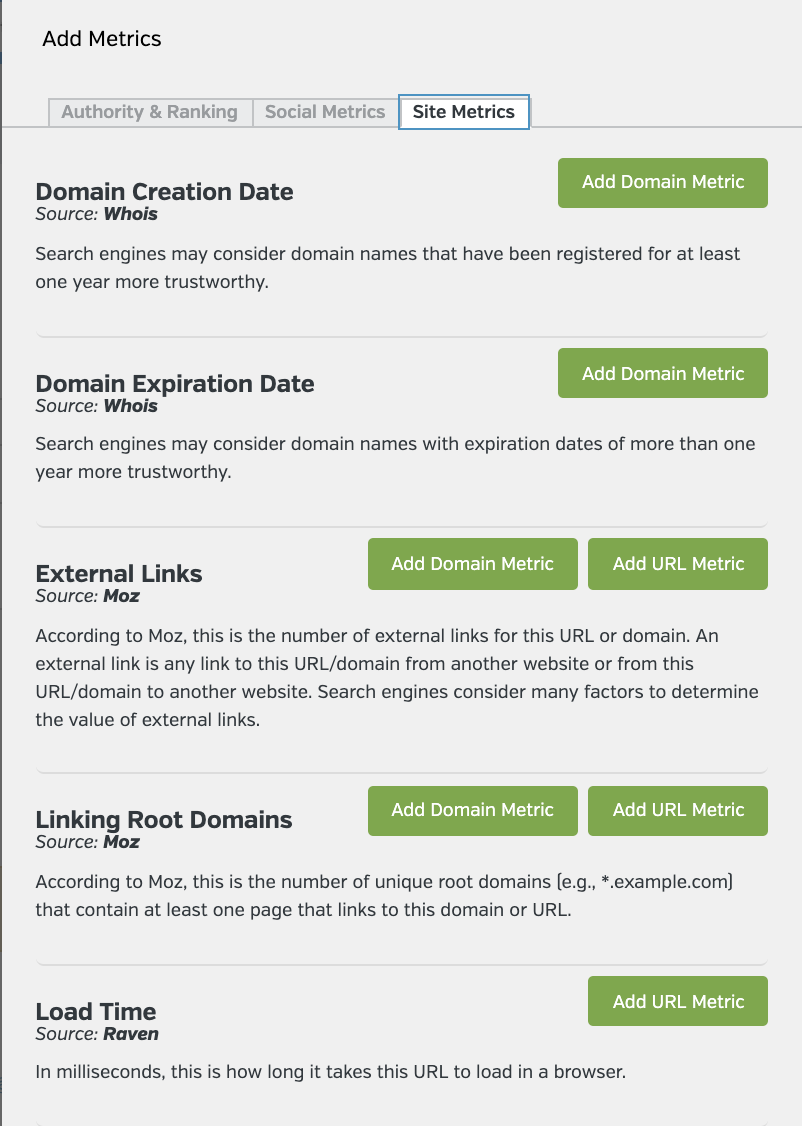
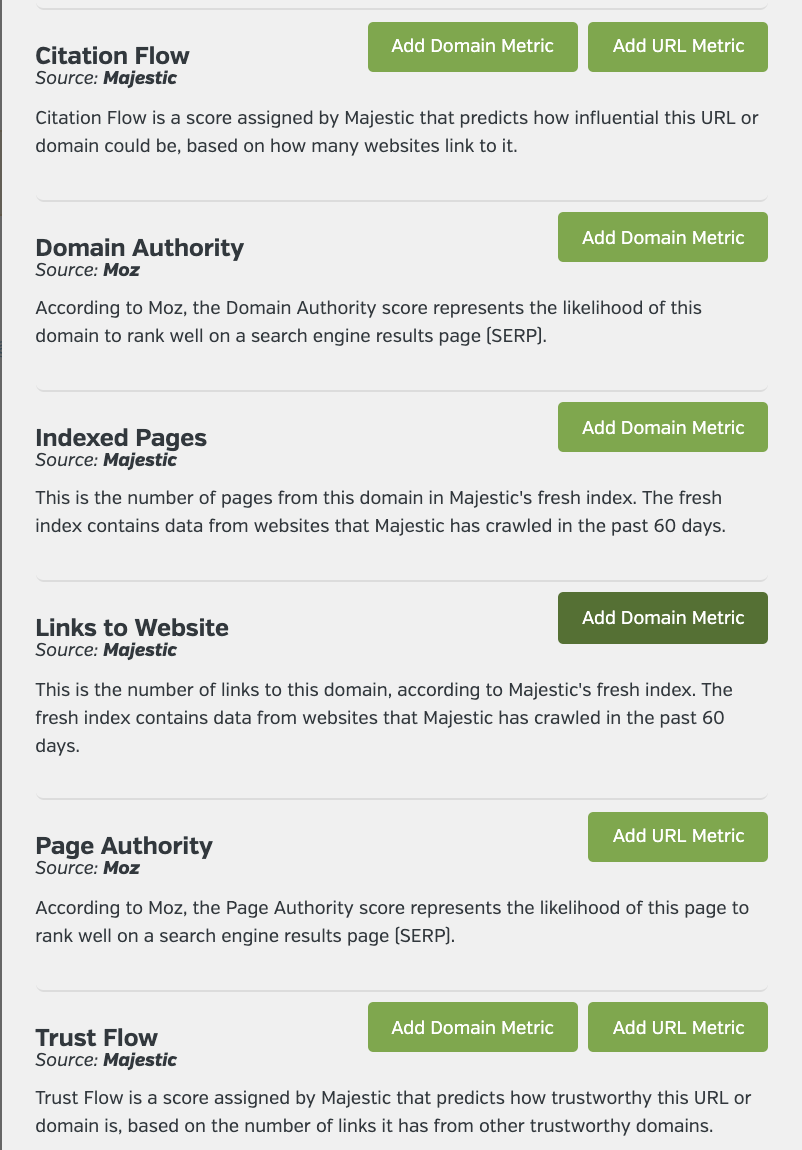
You can quickly analyze a URL’s page authority, domain authority, backlinks, social signals and more. With a few keystrokes, you can switch to keyword research and then switch back.
Experienced SEOs will love the Quality Analyzer, which allows you to customize quality scores. Our data comes from a mixture of Raven, Majestic, and Moz.
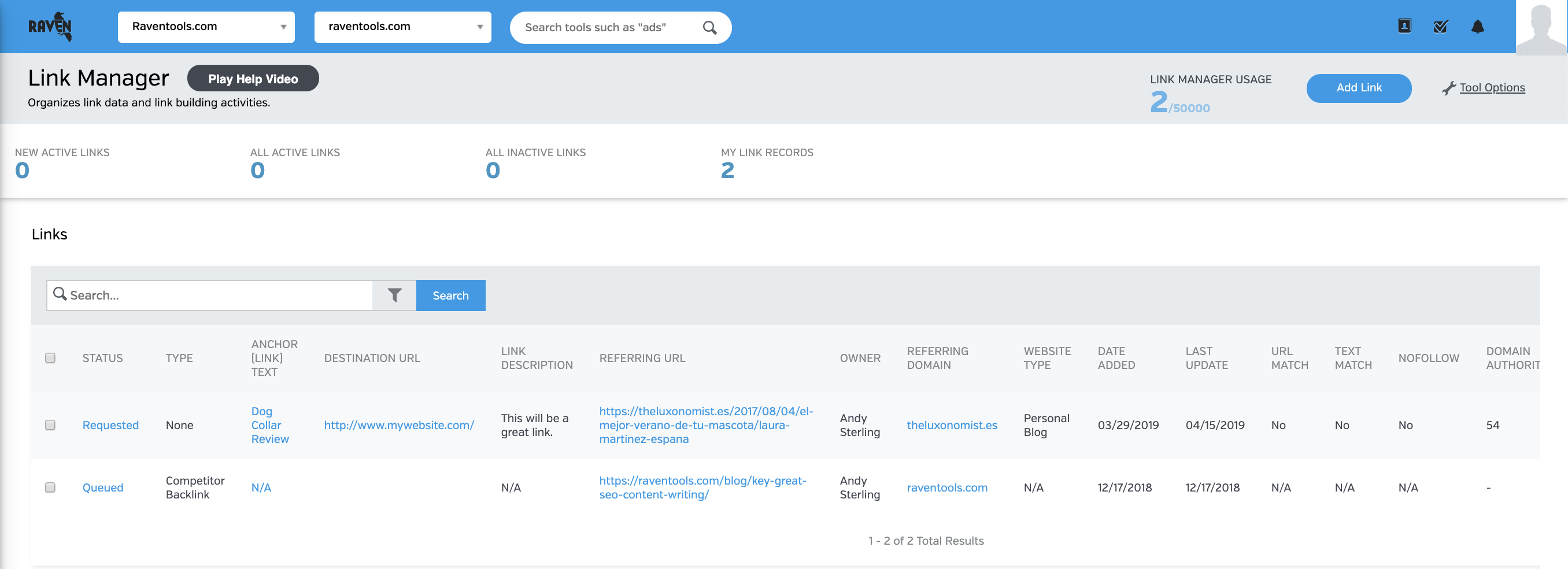
The Raven Tools Link Manager is the tool every whitehat backlink campaign manager needs. Store, organize, and find thousands of link opportunities.
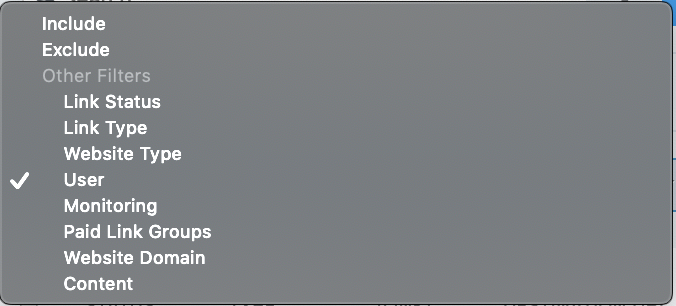
Monitor the links you lose and the links you receive. Categorize the links for better search and reporting. Include lost links and gained links in your marketing reports. Best of all, you can integrate link manager with our CRM and research tools and export and import data with ease.
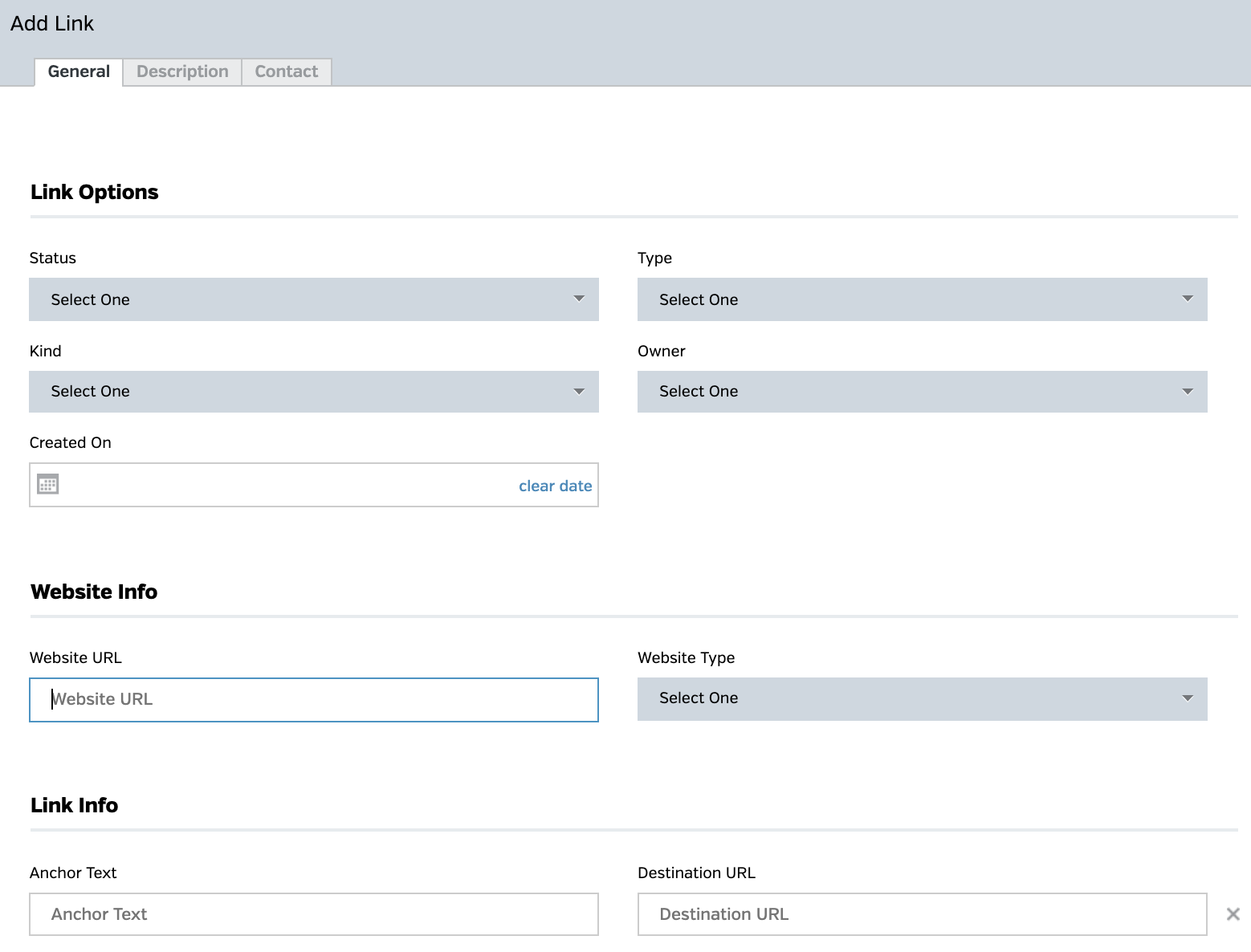
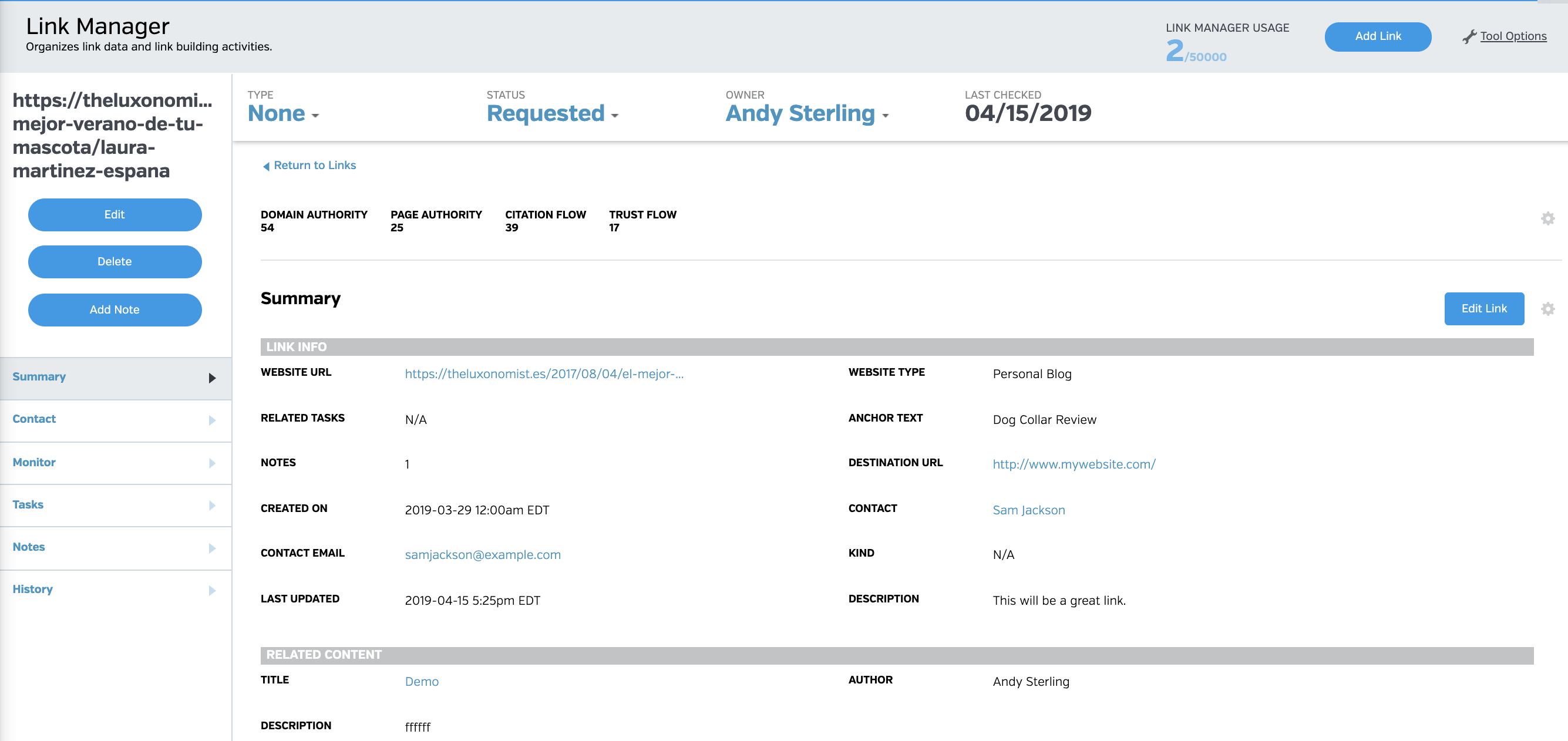
Store all of the relevant information for a link, including link status, link type, anchor text, destination url, and several other data points that will help you and your entire team to stay on top of your link campaigns.
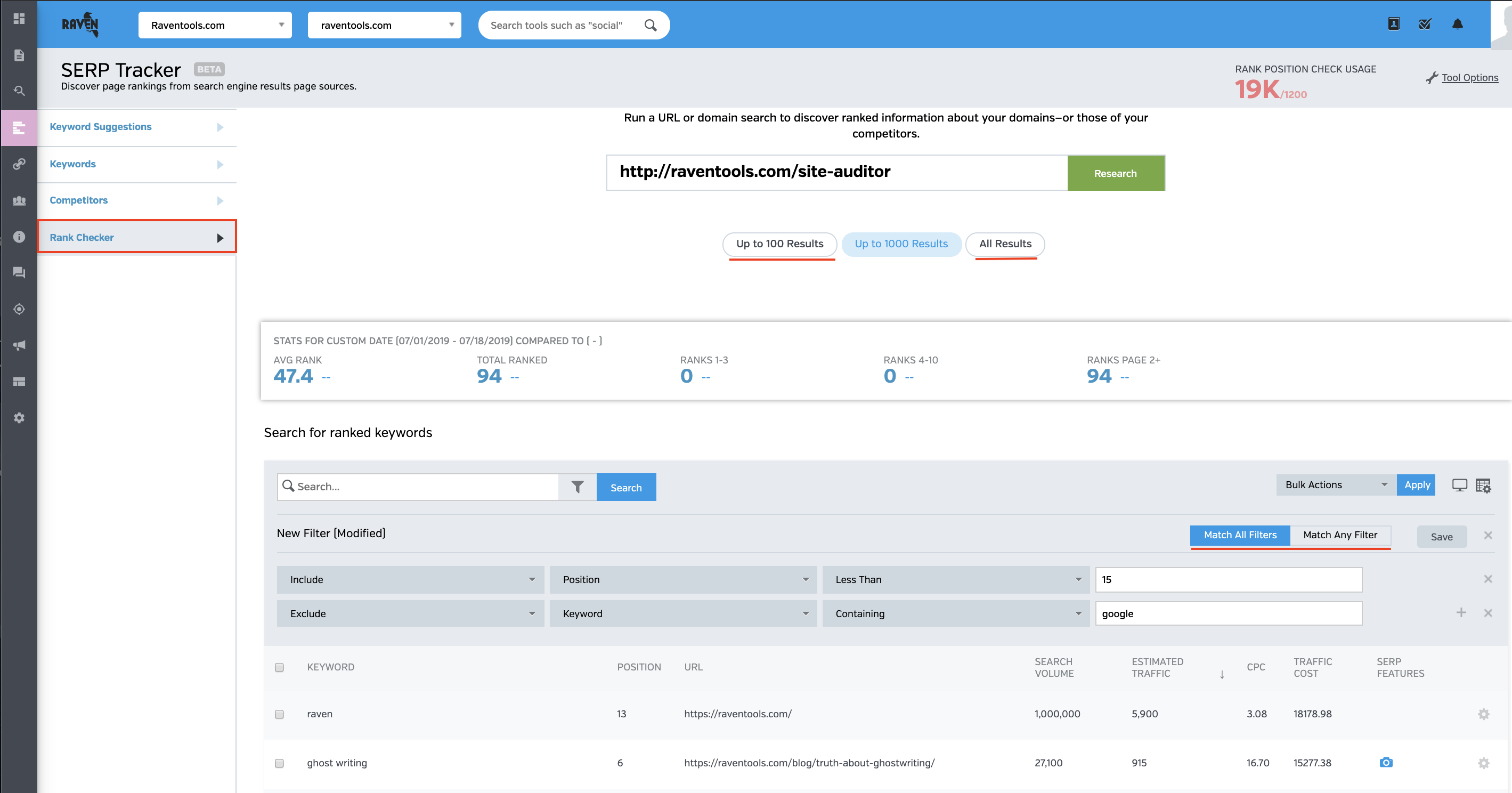
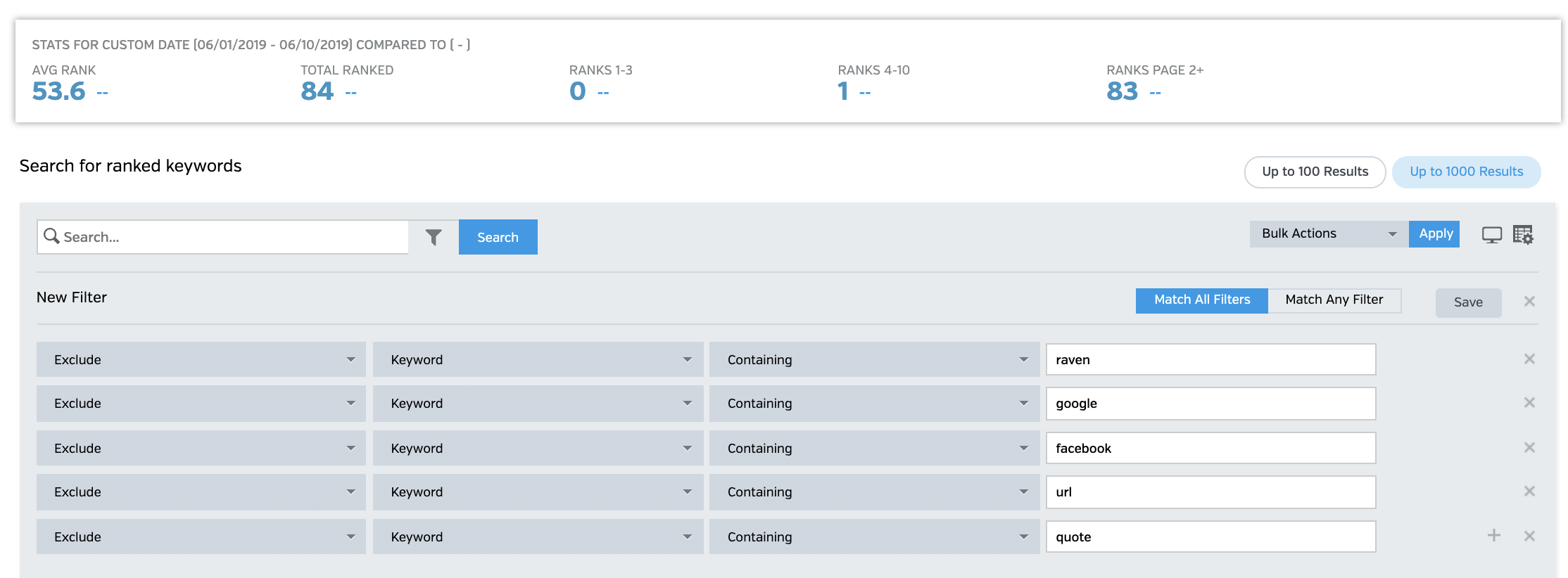
Keyword Rank Checker gives you the ability to get instant access to any domain's ranking keywords. Research competitor websites and get content ideas.
Quickly get an understanding of a new client's website. Get better data for client proposals. In less than 5 minutes you have months of actionable data. Apply advanced filters and export all of your data. Interested in learning more?
Get your paid social and organic data all-in-one


Vice President of Marketing, VOLTAGE
Our team at Voltage uses Raven Tools to visualize data and easily export and show results to our clients.

Marketing Director, Bear Group
Easier reporting tool that enables us to brand and generate reports with actionable insights for our clients.

GM, Vertical Rail
Raven Tools is one of those tools we absolutely couldn't live without.

True North Digital Marketing
I love it! It makes it so much easier to audit sites. It's very easy to understand and follow.

CEO, TH@T Company
Raven is by far the most superior and comprehensive toolset we found to date.
Advanced SEO Techniques: A Mega Guide to Ranking in 2019 Long Tail Keywords – The Easiest Way to Grow Your Traffic SEO Basics: The Ultimate Beginner’s Guide To Understanding SEO In 2019 SERP Tracking: Keyword Tracking in 2018 Internal Links Are Vital to SEO - Don’t Ignore Them! Learn SEO: A Mega Guide From 7-Figure Experts How to Conduct a Site Audit
How Should Marketers Handle Reporting? – The Ultimate SEO Report Walkthrough How to Analyze Backlinks with Raven Tools How to Effectively Monitor Keyword Rankings with Raven Tools Raven Tools SEO Audit Tool: The How-To Guide SEO Campaign: A Visual Guide How to Do Keyword Research: (The Most Essential SEO Skill)