Get Social

Did You Know? How to track and report on Google Plus with Raven

Written by | Posted on July 12th, 2011

As your clients and team begin to dive into the craze that is Google Plus, you’ll be looking for all kinds of ways to track it. Raven can help.

Google Plus can actually be measured just like any other social network. Google Plus has its own referring URL that you can segment out in Google Analytics: plus.google.com. If you haven’t already, sync your Google Analytics account with Raven. Then, to view your Google Plus referring metrics, just head over to Raven’s Google Analytics integration tool. Next, click on the Referrer link so that we can filter out a specific referrer.

Google Plus Analytics

Underneath your referrers graph, there is a search box. Search for plus.google.com. Voila! Here is your referring traffic data from Google Plus.

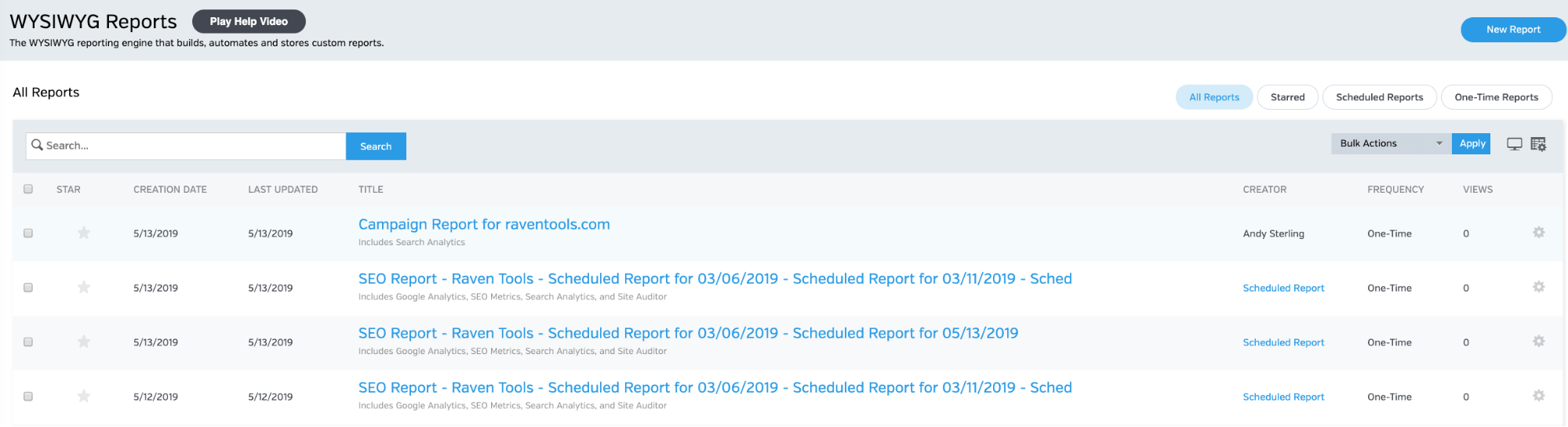
When it comes to reporting on the traffic in Raven, that’s easy, too. Simply add a Top Referrers module to your report and filter by domain: plus.google.com.

When you run the report it will only include Google Plus referral data.

Pro Tip: How to track Google Plus conversions

Christopher Penn has put together a great tutorial on how to measure Google Plus with analytics. In it, he talks about how you can track Google Plus conversions (see Step 3: Action Conversion). If you follow Christopher’s advice you’ll then be able to segment out a campaign URL and see how many Google Plus referrers converted.

To view this conversion information in Raven, just follow the steps outlined above for referrers, then switch your source from All Traffic to the Goal you’re interested in seeing conversions for.

Comments